
If you’re looking to sharpen your edge in competitive play, this guide is built for exactly that purpose. Whether you’re grinding ranked, refining your squad coordination, or optimizing your loadouts for high-stakes matches, understanding the mechanics behind every decision is what separates casual play from consistent wins.
In this article, we break down the core systems that drive performance—movement efficiency, timing windows, positioning fundamentals, and frame data analysis—so you can make smarter, faster in-game decisions. Instead of surface-level tips, you’ll get practical breakdowns rooted in competitive experience, structured testing, and deep mechanical study.
We’ve analyzed high-level match footage, tested loadout variations under real conditions, and compared strategic approaches used in tournament-level play to ensure every recommendation is actionable. By the end, you’ll have a clearer understanding of how to optimize your mechanics, coordinate more effectively with your squad, and gain measurable advantages in competitive environments.
Why Every Gamer Should Look Beyond the FPS Counter
60 FPS looks smooth on paper. But paper doesn’t win ranked matches. A steady counter can hide micro-stutter, uneven frame pacing, and input delay that cost you gunfights (yes, even at 144Hz).
True competitive players dig into frame data analysis to read frame time graphs, spot spikes, and tune settings around consistency—not vanity metrics.
Most guides stop at averages. Here’s the edge they miss:
- Prioritize 1% lows over peak FPS
- Match refresh rate to stable frame times
- Test changes one setting at a time (pro tip: log results)
Win more matches.
The Core Metrics That Define Smooth Gameplay
When players argue about “smoothness,” they usually start with FPS. That’s fine—but it’s only half the story.
1. Frames Per Second (FPS)
FPS measures how many images your screen displays each second. Think of it as the headline number. Common targets include:
- 60 FPS – The baseline for modern gaming; solid for single-player titles.
- 120 FPS – Noticeably smoother, especially in fast shooters.
- 144 FPS – A competitive sweet spot for many PC players.
- 240 FPS – Ultra-responsive, favored in esports.
Higher FPS reduces perceived blur and input delay. But here’s the counterpoint: some argue that once you pass 60 FPS, gains are negligible. That might hold true for cinematic RPGs. In competitive play, though, the jump from 60 to 144 can feel like upgrading from economy to first class (and yes, your aim notices).
2. Frame Time (ms)
Frame time is how long it takes to render one frame—16.67ms equals 60 FPS. If FPS is how many cars pass in a minute, frame time is the spacing between them. Big gaps? That’s stutter.
This is where consistency beats raw speed. A locked 60 FPS with steady 16.67ms delivery often feels smoother than 100 FPS bouncing wildly. Pro tip: during frame data analysis, watch for spikes—not just averages.
3. 1% and 0.1% Lows
These metrics show your worst-case performance. High average FPS with terrible 1% lows means brief but brutal drops. Competitive players prioritize these because gunfights don’t care about your average—they punish your dips.
4. Frame Pacing and Consistency
Imagine a graph. A flat line of frame times? Butter-smooth. A jagged mess—even at high FPS—feels choppy and unresponsive. That’s the real A vs B comparison: flashy numbers versus rhythmic delivery. Smooth gameplay isn’t just fast. It’s stable.
How to Capture and Analyze Your Own Frame Data
The Tools of the Trade
First things first, start simple. If you’re gaming on PC, enable the Steam In-Game Overlay or your GPU’s built-in monitor (NVIDIA GeForce Experience or AMD Adrenalin). These tools show FPS (frames per second, or how many images your system renders each second) with almost zero setup. For quick checks, they’re perfect.
However, if you actually want useful data—not just a number in the corner—upgrade your toolkit.
Advanced Analysis with MSI Afterburner & RTSS
I strongly recommend MSI Afterburner paired with RivaTuner Statistics Server (RTSS). This combo is widely considered the gold standard because it offers detailed on-screen displays and logging. You can track FPS, frame time (how long each frame takes to render), CPU/GPU usage, and more.
After installing both, enable the metrics you want under the Monitoring tab and set them to “Show in On-Screen Display.” Keep it clean—FPS and frame time are your priority (pro tip: too many metrics become visual noise).
Reading the Graphs
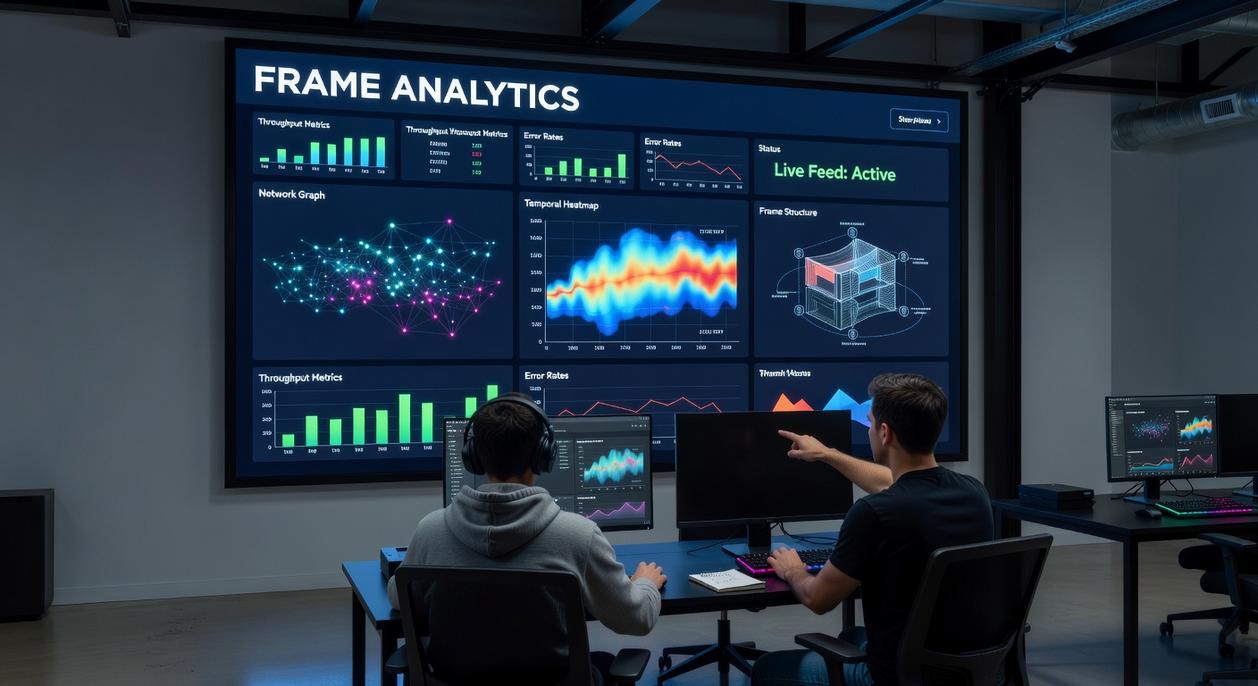
Here’s the key: a stable FPS line is good, but a flat frame time graph is better. Frame time is measured in milliseconds; lower and consistent values mean smoother gameplay.
A “good” graph looks like a calm lake—steady, even lines. A “bad” graph? Think jump-scare horror movie spikes. Those sharp frame time jumps cause stutter, even if your FPS looks high.
This is where frame data analysis separates guesswork from real optimization.
Benchmarking for Consistency
Finally, test smart. Run the same in-game route or built-in benchmark three times under identical settings. Then adjust one variable at a time—resolution, shadows, or DLSS. Consistency matters more than peak FPS.
And remember, just like understanding advanced movement techniques in competitive games, mastering performance metrics gives you a measurable edge.
Turning Frame Statistics into a Competitive Advantage
Raw FPS numbers are nice for bragging rights. But if you’re serious about competitive play, averages alone won’t cut it. What actually wins fights is consistency.
Diagnosing Bottlenecks
First, figure out what’s holding you back. If frame time spikes hit during big explosions, physics interactions, or heavy AI moments, your CPU is likely the bottleneck. On the other hand, if performance tanks when you crank resolution or enable ray tracing, that’s usually GPU pressure.
This is where frame data analysis becomes powerful. Look at frame time graphs, not just averages. A smooth line means consistent delivery of frames (think steady heartbeat). Spiky graphs? That’s stutter—and in a ranked match, stutter gets you eliminated.
Some argue that “as long as it’s above 60 FPS, it’s fine.” I strongly disagree. Competitive shooters demand stable 1% lows. If your 1% FPS dips hard during firefights, that’s exactly when you need reliability most.
Strategic Settings Optimization
Instead of toggling everything to Low, adjust one setting at a time. Lower Shadows. Test. Adjust Anti-Aliasing. Test again. Measure changes to 1% lows and frame time consistency—not just average FPS. View Distance often taxes the CPU more than people realize.
Pro tip: change only one variable per test. Otherwise, you’re guessing.
Optimizing for Input Latency
Stable frame times reduce system latency. When frames arrive predictably, your inputs feel immediate. In aiming duels, that predictability is everything (it’s the difference between a clean headshot and a missed flick).
Making Informed Upgrade Decisions
Save benchmark logs before and after driver updates or hardware swaps. If faster RAM improves 1% lows, you’ll see it in black and white. Data beats assumptions—every time.
True performance isn’t raw FPS; it’s consistent frame time delivery. A locked 120 FPS that spikes feels worse than steady 90 (yes, really). Now you can stop guessing. With frame data analysis, you can measure stutters, spot CPU bottlenecks, and fix them at the source.
Some players argue numbers kill the fun. Fair. But when ranked points are on the line, smoothness wins fights.
What’s next?
- Download MSI Afterburner.
- Run a benchmark in your main game.
- Log averages and 1% lows.
Optimization is a skill. The more you test, tweak, and retest, the sharper your competitive edge becomes over time.
Dominate the Meta With Smarter Decisions
You came here to sharpen your edge—whether that’s tightening your mechanics, improving squad coordination, or optimizing your loadout for high-stakes competitive play. Now you have a clearer understanding of how positioning, timing, and frame data analysis separate average players from consistent winners.
The reality is this: most players lose fights before they even realize what went wrong. Missed timings. Poor ability layering. Loadouts that don’t synergize with team roles. These small mistakes compound—and in competitive environments, they cost you ranks, tournaments, and credibility.
But when you apply structured practice, refine your decision-making under pressure, and leverage frame data analysis to understand recovery windows, hit advantage, and punish opportunities, you stop guessing and start controlling engagements.
Your next move is simple: put this knowledge into action. Review your recent matches, adjust your loadouts with intention, and train specific scenarios that expose your weaknesses. If you’re serious about climbing, commit to mastering the mechanics most players ignore.
Join thousands of competitive players who rely on expert breakdowns and advanced strategy insights to stay ahead of the meta. Start applying these tactics today—and turn every match into a calculated advantage.